

This guide will show you how to join your Windrose server.
Click here to order your Windrose server with Citadel Servers today!
Method 1: Using an Invite Code
1. Follow our Guide on how to set up the Server Invite Code here.
2. Open the game, select "Connect to Server" and paste the Invite Code.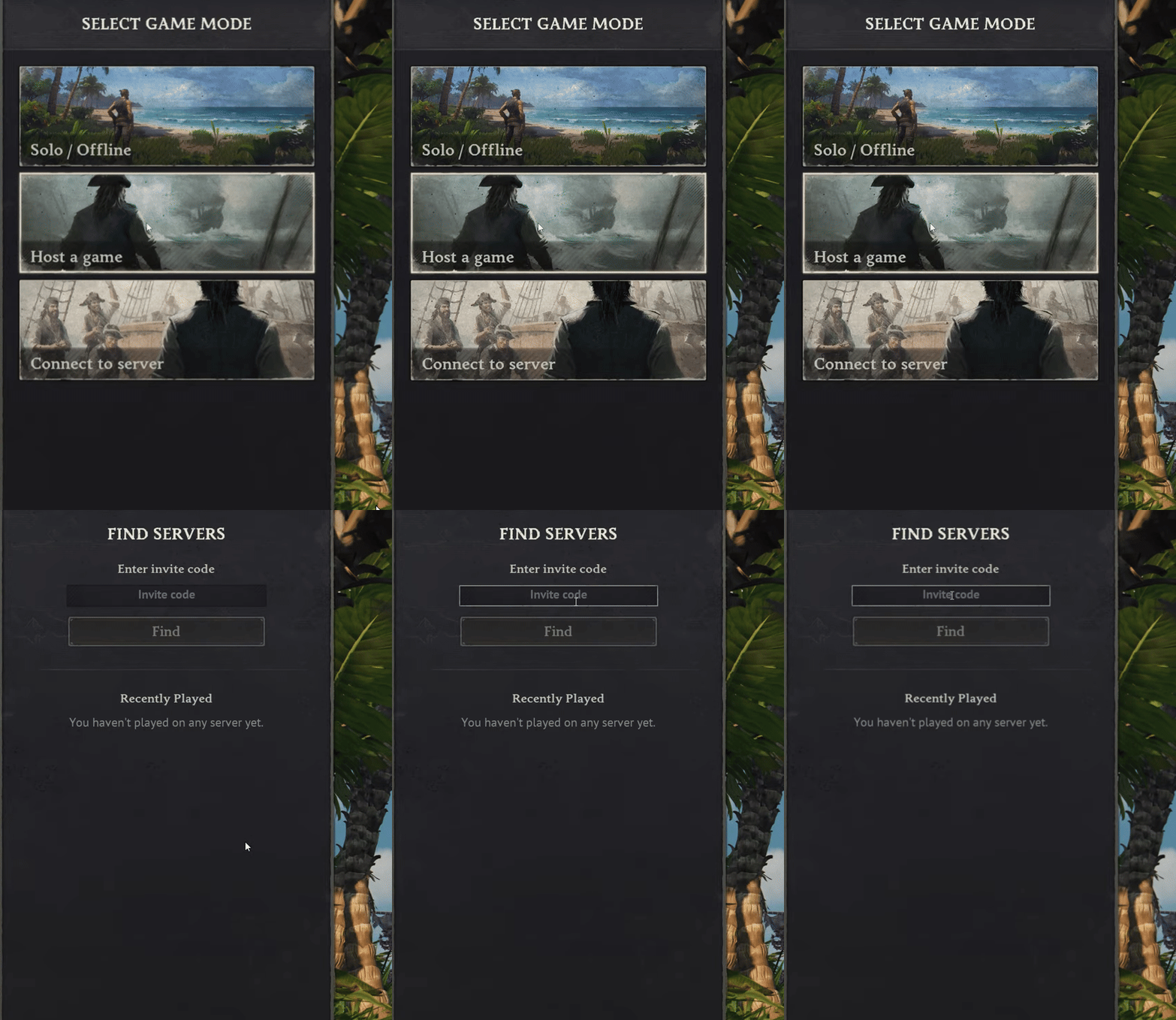
Method 2: Using Direct Connect
1. Log in to your Game Control Panel.
2. Copy the IP and Port of the server.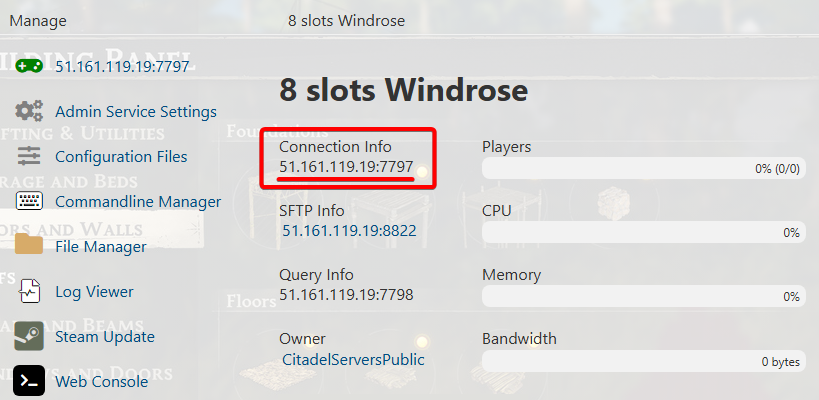
3. Open the game and select "Connect to Server".
On top, there will be a new "Direct IP" section. Select it.
Paste the IP and Port in their respective fields.
Put in the password if you added one earlier.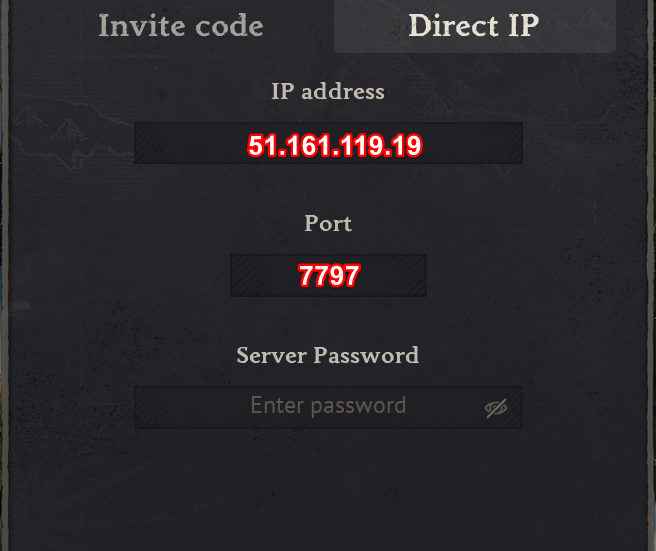
4. Click "Connect via IP" at the bottom, and you will be connected to the server.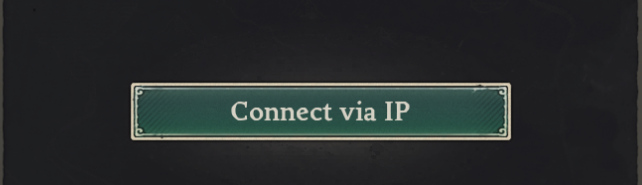
Did the above information not work for you?
Please click here to contact our support via a ticket.